Financial and Date Calculators
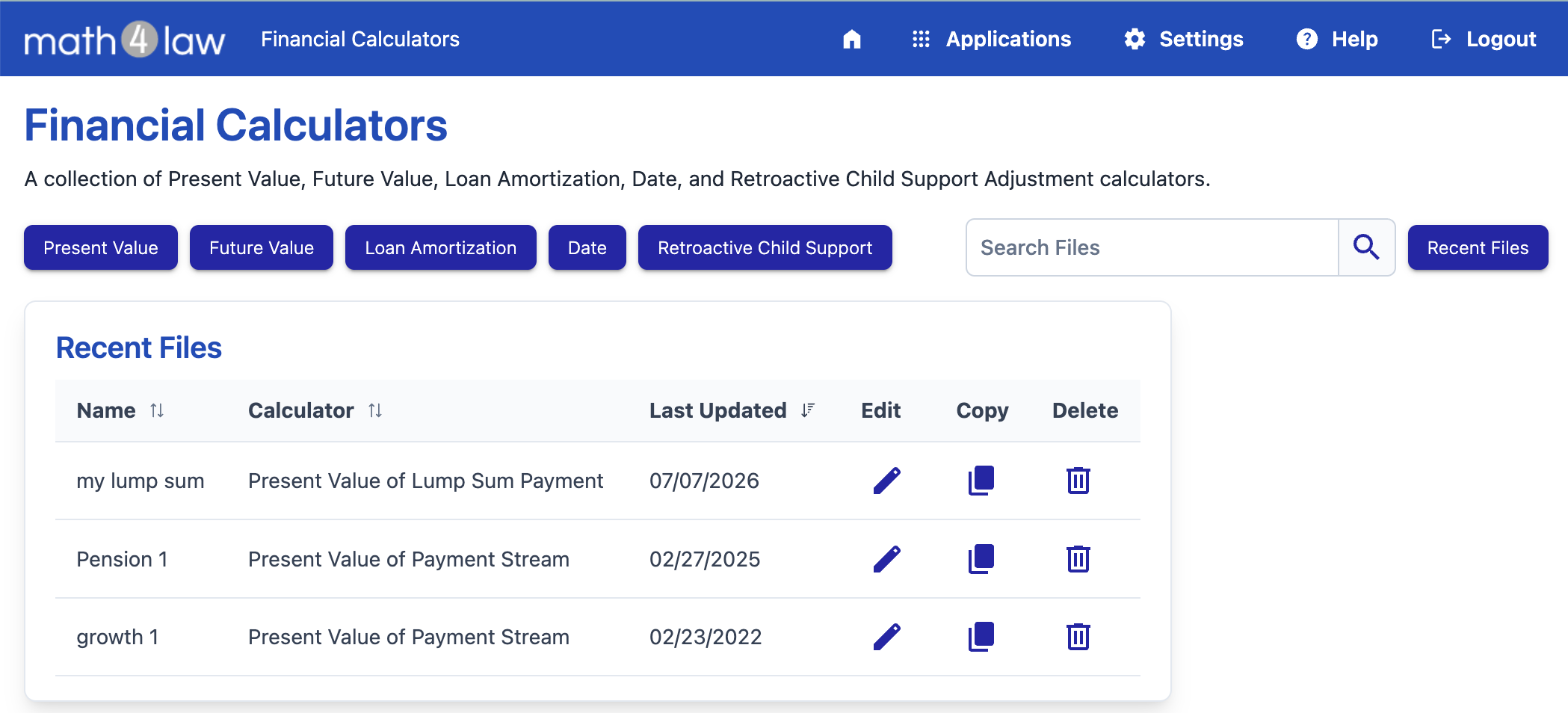
A collection of Present Value, Future Value, Loan Amortization, Date, and Retroactive Child Support Adjustment calculators.
Free for All Accounts
The financial and date calculators are available to all accounts and do not require a subscription.
To start a calculation, press one of the calculator buttons (Present Value, Future Value, Loan Amortization, or Date) and select the specific calculator from the menu, or press the Retroactive Child Support button.
Saved Calculations
As you enter data, the calculation is saved automatically and the results are updated in the page header.
To keep a calculation for later use, press the Save As File button and give it a name. Saved calculations appear on the file list, with a column showing which calculator each file uses. Use the search box to find saved calculations by name or description.
To rename a saved calculation, or to add a custom text that is included in printed and emailed calculations, open the menu and select Update File Settings.
Date calculators show their result immediately and are not saved.
Printing
Press the Download PDF button to generate a well-formatted PDF of the calculation. Active subscribers can also use the Print Preview option, or email the PDF to any recipient.